

Key Points:
- Pixel lineup receives the April update.
- The update fixes a major concern of the Pixel 4 family.
- It also fixes other known bugs.
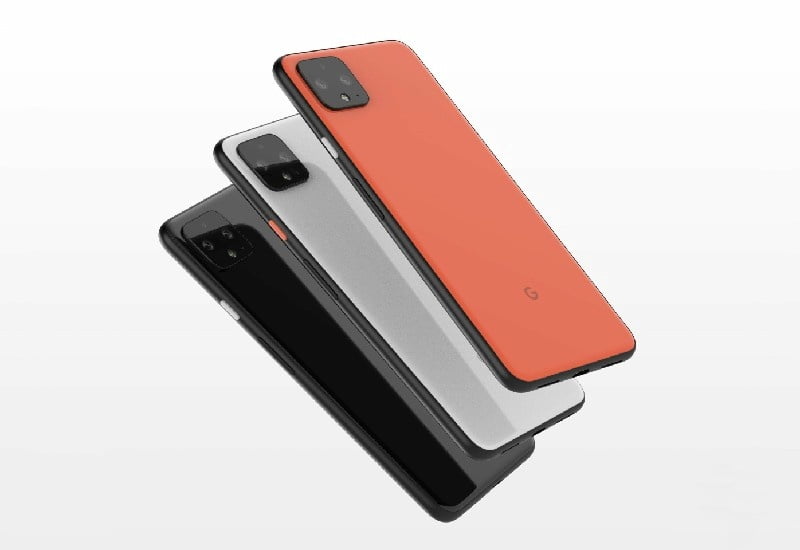
The search engine giant Google rolls out a new software update for the Pixel family and the latest update is dubbed as April update, the same fixes bugs as well as Improves the performance. More importantly, the fresh build solves a major concern of the latest and greatest Pixel 4 series. So, without wasting any time let’s dive into the article to check out the complete details of the new April update.

Everything about April update for Google Pixel family
Let’s start with the Pixel 4 series, as the latest update brings a major solution for both the Pixel 4 as well as Pixel 4 XL, the latest update solves the security problem which was faced by the users from the past couple of months. As we know Google launched its latest Pixel 4 series with the face unlock feature only and that made many issues like it unlock the smartphone even if the user’s eyes are closed. Well, that issue has been fixed with the latest software update.
The developers of Google software department has rolled out the update with the capability to unlock the device if the user’s eyes open and this feature is now the default as well, which means no more security risk with the latest Pixel 4 smartphones. It is worth mentioning that if you don’t like the new set up then you can change the setting as well.

Apart from this, the company also solves the problem with the Bluetooth connectivity in audio input while on a call and also solves the problem of keyboard lag in some applications. Moreover, the latest update also fixes the problem of memory leak which prevents additional Bluetooth low energy connections and these updates are meant for the complete Pixel family starting from the second generation Pixels to the latest series.
Speaking about the availability of the latest version of the software update, the company is rolling out the same via OTA and it will reach on all the units in the coming days. Having said that, if you are eager to install the latest update then you can flash the software and you can grab the factory images as well as OTA files for that.

Read interesting news, reviews as well as tips & tricks on TechnoBugg website, and stay updated with the latest happenings of the tech world on the go with Technobugg App.

