

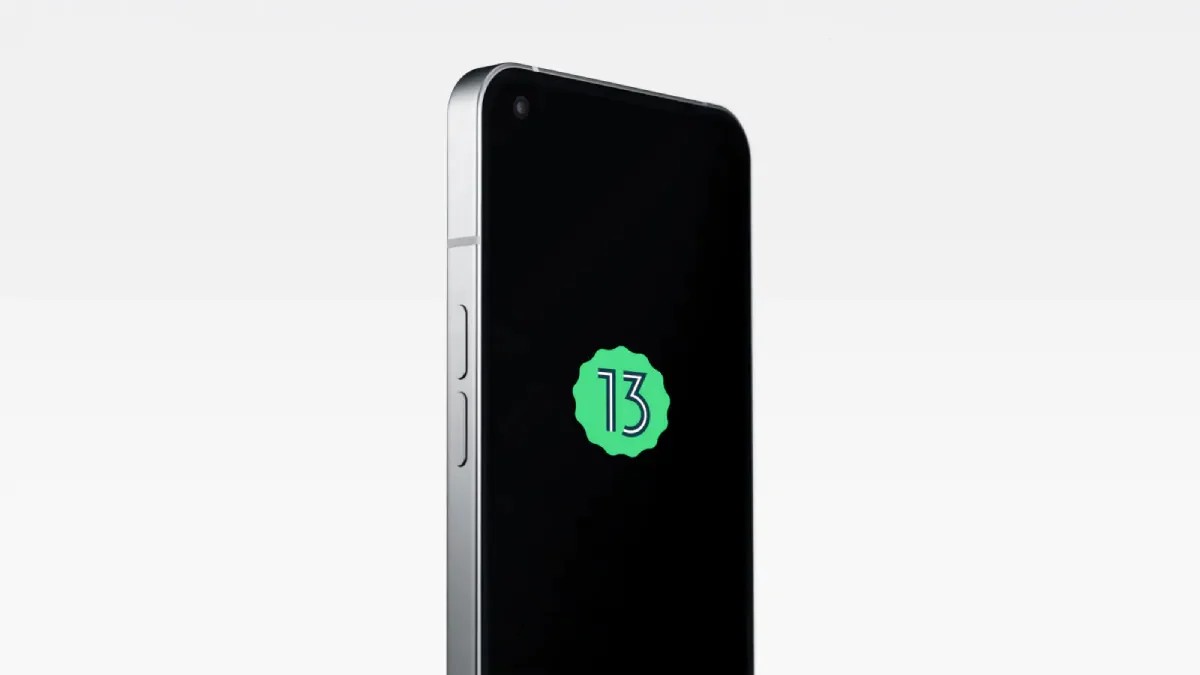
Nothing Phone 1 is the first ever smartphone of the Nothing brand which is founded by OnePlus co-founder Carl Pei, and the device is offering impressive design and specifications. It is coming with a transparent back panel with LED lights. The company released the first Open Beta build of Nothing OS 1.5 back in December for the smartphone and now the device is getting the stable version of the update which is based on Android 13.

After making everyone for an extended period, now the smartphone brand has now officially started rolling out the first stable build of the Nothing OS 1.5 based on the Android 13 operating system to the users of Nothing Phone 1.
It is reported by a number of users that the stable Android 13 update is available in the form of Nothing OS 1.5.2 and the update is having around 157MB in size, and the size is meant for those who is updating the device from the last public beta version.

The new update is also coming with the January 2023 security patch as well. It is worth mentioning that the roll out might be available to limited users who are Open Beta participants and the rollout for all the users should take place in the coming weeks.
Check out the the changelog for the new Nothing OS 1.5.2 based on the Android 13
Weather app
New Nothing weather app
Tapping a weather widget on the home screen now directly opens the corresponding city in the app instead of opening a link.
Customization
All new Glyph sound pack for more ringtone and notification sounds.
More color schemes are available from the wallpaper selector.
New collection of minimalist wallpapers.
Icons can match your background color to make your home screen look more consistent.
Lockscreen shortcut customizations. Create shortcuts for the camera, torch, device controls, and wallet.
Improved experience
Easily switch data usage when using dual SIM with the improved network Quick Settings panel.
Automatically show the current network and display how much mobile data you have used in Quick Settings.
Directly scan a QR code in the Camera app. The scanner also appears as a shortcut in Quick Settings.
Select language preferences for different apps.
Visual improvement
A New look for Media Control. Puts album artwork on full display with a wider set of music controls.
Improved volume settings panel. Allows granular volume control without unlocking the device.
Improved Game Mode light notifications. So there is less distraction when you are playing.
Smoother animations when transitioning the display between on and off.
More refined Camera app interface.
Privacy and safety
Get an alert when an app accesses your clipboard. Cleared history after a period of time to prevent unwanted access.
Added Personal Safety app.
Better privacy protection, including Photo Picker, nearby Wi-Fi devices permission, and select media permission.
System performance
Fingerprint unlock accuracy has improved by up to 12%.
App startup speed has increased by up to 71%.
Standby power consumption has improved by up to 50%.
Implemented a new self-repair feature to periodically delete unused system dumps and cache.
Increased system stability.
General bug fixes.
Read interesting news, reviews as well as tips & tricks on TechnoBugg website, and stay updated with the latest happenings of the tech world on the go with Technobugg App. Also follow on Google News and join our Telegram channel for the latest updates.


