

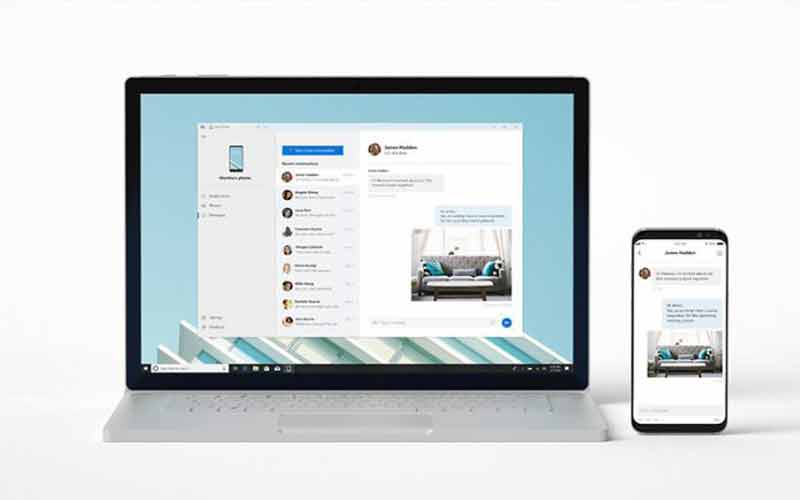
Your Phone, one of the most helpful applications out there, and it allows users to sync photos on mobile as well as the windows computer and this will also help users to transfer files very easily as well as to view a photo on the big screen. Well, now the developers of the application have rolled out a new update and introduce a great feature that will make life easier.

Microsoft Who is behind this application has introduced a new feature which will allow users to make and receive phone calls on the PC. That means now you guys can able to attend your phone calls without leaving the work which you are doing on your computer. Having said that, this feature is not new for the Microsoft insiders as it was available for a long time but now the company has introduced the feature in the stable version with the latest update.
With the latest version of Your Phone app, users can now answer incoming calls on the phone via the PC and it will also allow users to make phone calls along with the access to the contact list on the PC as well. The latest feature will allow users to decline calls straight from the PC and even with a custom message. Just like on the phone, you can also able to view the entire call history on the PC, the best thing of the latest version of the application, you can transfer the calls between the phone and PC without any issue which means if you decide to move away from the computer then you can simply transfer the call to your phone and just move away from there.

To use the feature, you must have an Android phone running Android Nougat or above and needs to connect your phone with the Windows 10 running PC via Bluetooth.
So, what are you waiting for? Go to the Google Play Store and update the application to get the cool feature on your phone.

Read interesting news, reviews as well as tips & tricks on TechnoBugg website, and stay updated with the latest happenings of the tech world on the go with Technobugg App.

