

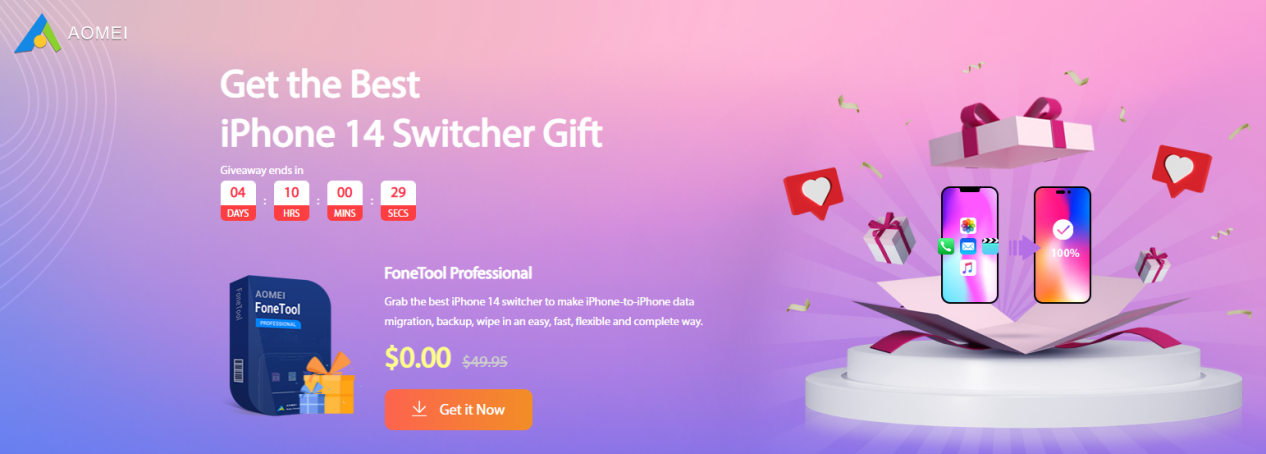
It has been half a month since the iPhone 14 was released. I believe that many of my friends have already bought a new iPhone. After getting the new iPhone, how should I transfer the data from the old iPhone to the new iPhone better, and how should I deal with the data in the old iPhone to be more secure? Perhaps many people are troubled by these two problems. Don’t worry, today will introduce you to one of the best iPhone switcher gifts- AOMEI FoneTool which is holding a giveaway event.


Why do you need to backup your iPhone?

Any time you use your phone for longer and longer, your iPhone will be filled with all kinds of data. But it’s important to note that this data isn’t always safe. It faces the risk of loss at any time, such as if the phone is damaged, stolen, etc.
In addition to this, people also often complain about the risk of data loss after upgrading to a new iOS. So backing up the data in your iPhone is a very important thing. Also, if your phone encounters serious problems, you may need to fix it by resetting, which also means that you will lose all the data in your iPhone. All in all, you never know when and for what reason you will lose your data. Therefore, it is very important for us to backup iPhone regularly and develops a good habit of backing up data. This way, no matter what happens to your iPhone, you can easily get your data back at any time.
Generally speaking, most users will use iCloud backup or iTunes backup when they get a new iPhone.
But since iOS 12,4, Apple released Quick Start to switch data to new iPhone. However, iCloud backups or iTunes backups don’t always work properly. Therefore, some users may need some new iPhone migration assistance software to help them transfer data from iPhone to iPhone.
Maybe you are not familiar with AOMEI FoneTool, but it is actually a new and upgraded version of AOMEI Mbackupper. The main functions of FoneTool are to backup and transfer your iPhone data for free. FoneTool is a free iPhone backup software. You can make a full backup or a partial backup of your iPhone to save important data. When you change to a new iPhone, you exactly need these functions to solve the problems you face.
With FoneTool, you will get:
- More flexible solution for you to back up and restore iPhone data.
- A multiple backup and restore methods of creating comprehensive backup, only backing up changed or edited files, and back up all data or selective backup
- An easy and safe way to transfer from iPhone to iPhone

After upgrading to the pro version of FoneTool, you can enjoy:
- Transfer unlimited files from iPhone to iPhone
- Delete unlimited duplicate photos
- Erase all data in old iPhone
- Backup data in new iPhone to avoid data loss
- Convert photos from HEIC to JPG/JPEG
FoneTool’s technical team has been concentrating on data backup and transmission for many years, and has won praise and support from many countries and users. If you use FoneTool for data backup or transfer, this will be a very safe choice. This giveaway event is also what FoneTool hopes to help more users during this special period.
How to participate in this giveaway event?
In short, FoneTool is an iPhone transfer software. If there are users who need to participate in this event, just click on the event link at the end of the article. Click Get it now on the event page to download the software and documentation. In the documentation, you can find the license code. Please note that the event time is: from NOW-10.15, so you need to activate this code before 10.15.
Giveaway entry:
https://fonetool.com/partners/best-iphone-switcher/giveaway-8915.html
Conclusion
This is the best iPhone transfer tool – FoneTool. When you get a new iPhone, it does all the data protection work for you. In addition to data migration, it also allows you to schedule daily backups, deep wipe old iPhones, and more. Take advantage of this giveaway event, grab this software and start backing up your iPhone data.


