

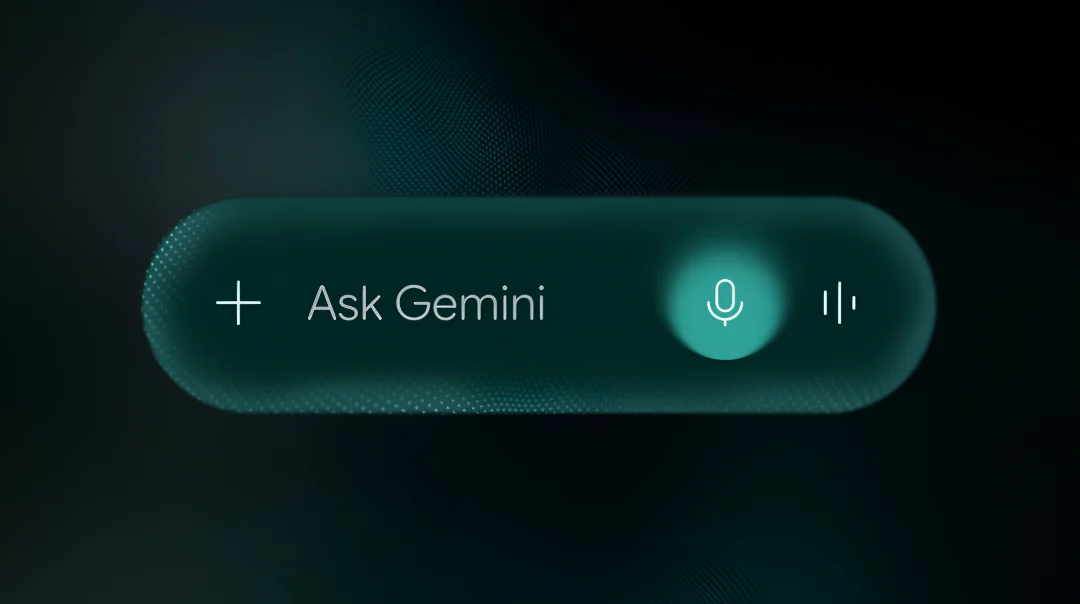
The Mountain View company, Google has an upper hand in the game of Artificial Intelligence, and now the company has announced a new set of AI tools for Android called Gemini Intelligence. Google will be releasing the new features this summer with the new Samsung Galaxy S26 and Google Pixel 10. Having said that, the features will be available on other devices, including smartphones, smartwatches, and laptops, but later in the year. So let’s get into the article to check out the newly announced features.

Everything about Gemini Intelligence
Google has made app automation that means, instead of just answering questions, Gemini can now navigate your phone to do things like book a ticket aur order something for you. You can even long-press the power button over a screenshot of a grocery list, and Gemini will build the cart for you. You can monitor the progress through a notification and just confirm the final purchase.
The Gemini Intelligence is also making browsing easier as the Google Chrome for Android from June this year will be getting an auto browse tool that will help with routine tasks like reserving parking.

It is also improving the overall experience as Android’s Autofill is also getting an update by pulling context from your apps to fill out complex forms. So you don’t need to type as much.
Gemini Intelligence will be adding a voice feature in Gboard, and it will be called Rambler. This will help you to clean up the audio and turn it into a clear text message before you send it to your loved ones.
The company is also bringing a text-to-widget tool, and it will enable you to type a prompt, like asking for a weekly recipe list or a widget that only shows wind speed, and the Android Operating System will be building a custom widget for your home screen.
It is worth mentioning that the company is making these features available as opt-in features that will not disturb the users who are worried about privacy. Google will also offer a notification that will stay at the top of your screen whenever the assistant is doing something in the background.
Read interesting news, reviews as well as tips & tricks on TechnoBugg website, and stay updated with the latest happenings of the tech world on the go with Technobugg App. Also follow on Google News and join our Telegram channel as well as WhatsApp Channel for the latest updates.


