


Capturing a screenshot is not quite complicated, you just have to press two buttons. But now it become little more easier for those who have a device using Android 6.0. with Google now on Tap feature you can capture screenshot without pressing any keys.
Follow the guide and
take screenshots without the help of hardware.
take screenshots without the help of hardware.
·
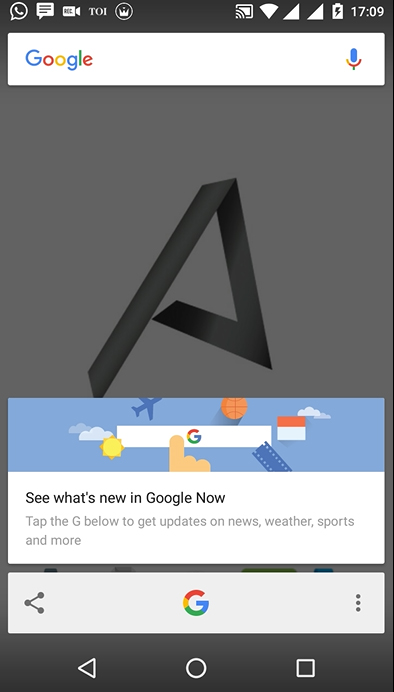
Press and
hold the Home Button until Google Now on Tap pops-up.
Press and
hold the Home Button until Google Now on Tap pops-up.
·
Tap the
share icon.
Tap the
share icon.
That’s it, your
screenshot will be saved and the share menu will appear.
screenshot will be saved and the share menu will appear.
Hope it will help you.
Cheers!!!


