

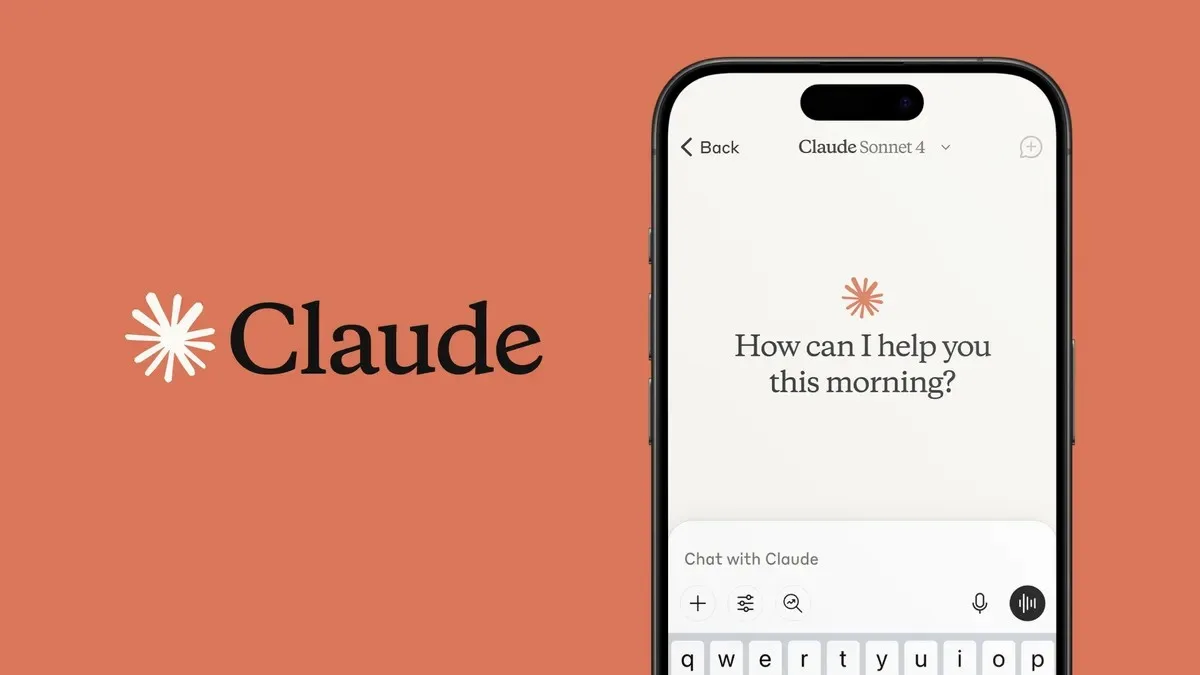
Emails are an essential and crucial way of communication and Gmail is one of the most popular email clients in the world to communicate. Replying to multiple emails, especially when we have to deal with routine questions, follow-ups, and requests, consumes a lot of time. Thankfully, AI is there to help. Claude, Anthropic’s AI assistant, can connect directly to Gmail, and it will reply to your emails. So let’s get into the article to check out the step-by-step guide.

Before getting into the guide, let me say that Claude is capable of analysing email threads, understanding the context, and drafting replies without requiring you to copy and paste messages into an AI chatbot. It is also capable to send emails on your behalf but only after your approval and it is set by default.
How to Use Claude to Reply to Emails in Gmail
It is very easy to set up and you can do the job by following the steps that are listed below.

- You need to open Claude and find the Connectors option.
- Now click the (+) button and select Connectors.
- Then find Gmail in the list and choose the option to connect it.
- Now you need to sign in with the Google account whose Gmail inbox you want Claude to access and grant the requested permissions.
After that, you need to open Claude’s chat window, and you have to describe the message you want it to work with. The chatbot will search your Gmail and use the relevant email thread as context.
Now you need to explain to Claude what information the response should contain and how you want it to sound. It will also enable you to ask it to make the response more casual, formal, concise or detailed.
After confirming, you can approve the action. Now your emails will be taken care of by Claude.
If you find this tutorial helpful then don’t forget to share it with your friends and family. We recommend you to stick with us for more updates from the world of technology at your fingertips.

Read interesting news, reviews as well as tips & tricks on TechnoBugg website, and stay updated with the latest happenings of the tech world on the go with Technobugg App. Also follow on Google News and join our Telegram channel as well as WhatsApp Channel for the latest updates.

