

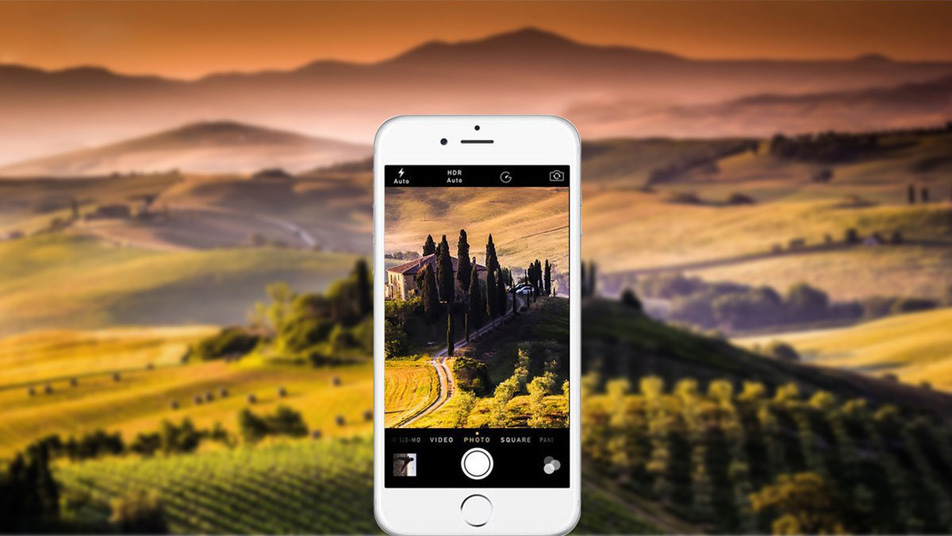
A wide number of people refuse to buy a camera in favor of purchasing a smartphone with a good camera. Certainly, why carry with you two devices, if an iPhone can represent all the functions of these devices. Any document can be correctly photographed and send from the iPhone to printer or email for printing. Do you want to capture pictures of your loved ones or nature at the best? For doing this, there is no need call the photographer or run for the camera:

Let’s have an insight on the following tricks to make a picture more beautiful with an iPhone camera:
Set the Focus and Exposure
Well, obviously, the iPhone generally set the focus and exposure automatically. It functions pretty well!

But, you might need to focus on something specific in your configuration. Or else you must make a macro but the camera doesn’t focus. In such a situation, you can do this:
Click on the screen where you want that the camera must focus
Hold and swipe up and down for setting up the picture exposure
Shoot with the Volume Buttons
By making use of the normal button on the touchscreen, the hand position is normally not so natural and the iPhone is slightly shaking. Hence, this will make the picture appears to be less clean.
There is an easy fix for this – making use of the volume button for taking a shot!
This will give you a feeling that you are using a natural camera and are very much comfortable.
Be Quick
You miss out many of the lovely shots as you rush to unlock your iPhone, got trapped with the fingerprint unlocking tagging and after that type your passwords. As such, you are too late and miss out some precious moment.
For this, you can open up your camera with the locked screen shortcut. This will merely take only of your two moves. Press the home button and swipe up the camera from the bottom right angle and then shoot!
Turn Off the Flash Option
The present generation of the iPhone flash is upgraded upon their predecessors, yet the flash still constitutes of LED lights. It is not that powerful and even with the TrueTone technology; it can occasionally produce a strange hue onto your photos.
So, try taking pictures in the natural light sources or in case you are shooting at night, make use of Camera app’s exposure slider for boosting light in the picture.
Do Editing For Some Impact
There is a lot more which you can do with your picture after you press the shutter button. It is an editing procedure which can transform a normal picture to an ‘Oh, Wow’ art section. There are many apps that perform the basic functions, like cropping, color correction, and other minor adjustments.
Editing is not bad. Besides, every professional picture entails some kind of editing.
Ending Note
Quality pictures can be taken from the iPhone device; however, the only thing which you must understand is how to correctly take a picture. The above tips will help you a lot in taking pictures like a professional photographer. Enjoy and have fun!
That’s all about how to make a picture more beautiful with your iPhone camera. If you want to transfer photos from your iPhone to the computer, to another iPhone or iPad, you’re recommended to using a reliable iPhone photo transfer tool – IOTranfer. It makes the photo sync across computer, iPhone, iPad and iCloud easier and faster when compared to iTunes.
About Author:

Liza Kosh is the senior editor at JemJem; an E-commerce website for refurbished Apple products and accessories in the United States. JemJem is rated as the third largest website by the popular American internet media company BuzzFeed. To know her visit

