

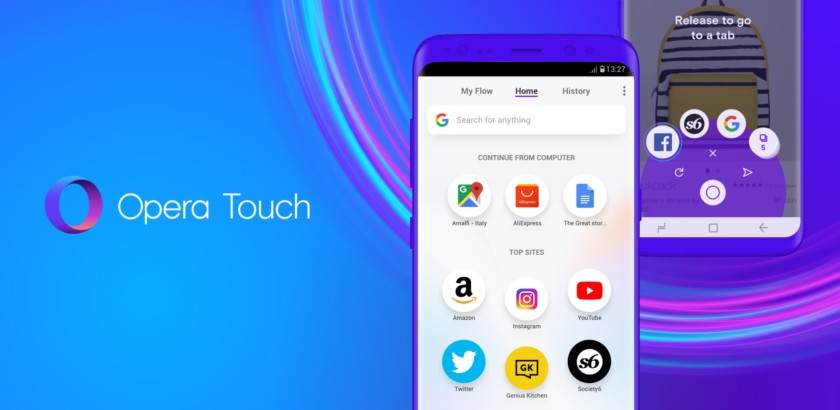
The very popular internet browser Opera has announced the new AI features for its Android browser. The application will be bringing AI capabilities closer to the desktop browser dubbed Opera One.

Ask AI is one of the first features of the Android version of Opera browser and it has a new access point for all AI queries in the browser. You just need to tap on the browser search bar and select the Ask AI option to open the new search bar.
The browser has also received the ability to attach files in the new search bar for AI to translate, summarize, or explain. It also includes the capability of PDFs and images.

You can able to attach a file by simply opening the Ask AI interface and tapping on the + icon and select a document or photo from your smartphone or tablet. You can also click an image with the device camera and upload it directly as well.
Opera is also making things possible for you to use your current browser tab as contact for an AI prompt. You can ask for questions about the web page content as well. The new update is available on Google Play Store and you need to update the browser to enjoy the AI capabilities.
Read interesting news, reviews as well as tips & tricks on TechnoBugg website, and stay updated with the latest happenings of the tech world on the go with Technobugg App. Also follow on Google News and join our Telegram channel as well as WhatsApp Channel for the latest updates.


