

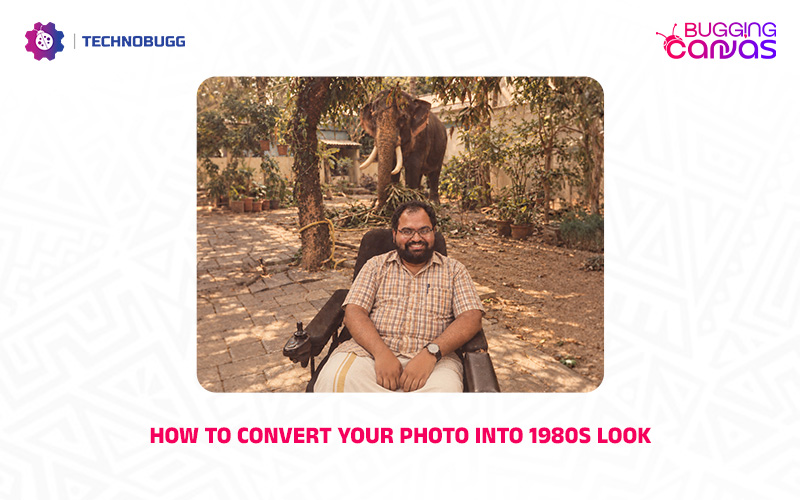
Social media is currently overloaded with a vibrant retro trend, and you’ve likely seen your friends and favorite celebrities reimagined with glowing neon signs, leather jackets, and bold ‘ 1980s style.

This viral trend is taking us back to an iconic decade that many of us weren’t even born in, flooding platforms like Instagram with striking throwback portraits. If you want to transform your own photos into an authentic 1980s look, this article is for you. In this latest installment of our Bugging Canvas, we will guide you step-by-step guide to convert your photo into 1980s look. The style might be old-school, but the results are really awesome. So without making any further delay, let’s dive into the guide.
Check out the steps to convert your photo into 1980s look
The steps are pretty easy and straightforward. You simply go through the steps that are listed below and be surprised with the result.

- You have to open ChatGPT either on your computer or mobile phone.
- Now you need to select your photo and simply upload it.
- After that, you have to copy and paste the prompt below.
Prompt: Using the photo I’ve uploaded as the reference for my face, create a highly realistic photo imagining me living in the 1980s.
I am [NATIONALITY / CULTURAL BACKGROUND] and I’m living in [CITY, COUNTRY] in approximately [YEAR OR PART OF THE 1980s].
Do not default to the stereotypical American version of the 1980s. Instead, recreate what everyday life would genuinely have looked like in this particular place and time.
Dress me and style my hair in a way that would have been genuinely fashionable for someone like me at that time — stylish and nostalgic, not an exaggerated costume.
Do not include buildings, landmarks, technology, products, vehicles or brands that did not exist during the chosen year.
Keep my facial features recognisably based on the uploaded photograph while adapting my hairstyle, clothing and grooming to the period.
The final result should look like a genuine photograph taken in the 1980s rather than a modern photo with a filter: warm colours, subtle film grain and period-appropriate lighting.
Now wait for the result. After getting the output, you can make adjustments if you want. If everything is perfect for you then simply download it and share with your friends and family.

Read interesting news, reviews as well as tips & tricks on TechnoBugg website, and stay updated with the latest happenings of the tech world on the go with Technobugg App. Also follow on Google News and join our Telegram channel for the latest updates.

