

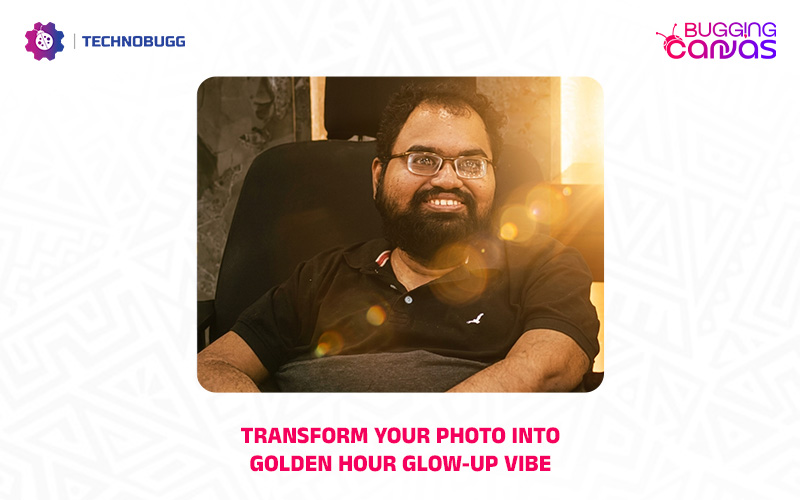
Welcome to another interesting article of our Bugging Canvas series and today we will be helping you to convert your photo into Golden Hour Glow-Up vibe. It is actually less about changing reality and more about making a normal photo look expensive and professional. So let’s get into the article to look at the step by step guide.

How to convert your photo into Golden Hour Glow-Up vibe
It is worth mentioning that you can convert any photo that feels a bit dull or poorly lit. So let’s check out the steps below.
- You need to open your favourite browser and visit Google Gemini or you can also open the Gemini app on your phone or tablet.
- Now simply upload a photo.
After that, simply copy and paste the prompt: “Remaster this photo with stunning, cinematic golden hour lighting. Add warm, soft lens flares emanating from the side, deepening the shadows and highlighting the textures of the subject. Enhance the colors to be warmer and richer, making the photo look like it was taken by a professional photographer at sunset.”

Share your thoughts about this interesting prompt in the comments section below and stick with us for more updates at your fingertips.
Read interesting news, reviews as well as tips & tricks on TechnoBugg website, and stay updated with the latest happenings of the tech world on the go with Technobugg App. Also follow on Google News and join our Telegram channel as well as WhatsApp Channel for the latest updates.


