


Let’s be honest — staying on top of social media content can be a lot. You’re juggling ideas, trying to keep things fresh, and keeping your visuals on-brand… all while racing the algorithm.

The good news? You don’t have to design everything from scratch every single time.
That’s where transparent PNGs come in. These little design gems are perfect for layering over photos, adding flair to Instagram Stories, or building scroll-stopping ads in minutes. And guess what — you don’t have to pay for them either.

There are some great websites out there where you can grab quality PNGs (yes, with transparent backgrounds!) completely free. No licenses to decode, no credit cards needed, and no blurry downloads. Let’s explore a few favorites.
Why Transparent PNGs Are So Useful
Unlike JPEGs, which always come with a solid background, PNG files give you more flexibility. That clear background means you can easily place them over anything — a photo, a color block, a video — and they just fit.
You can use PNGs to:
- Add icons or stickers to your Stories
- Drop logos or CTAs on top of Reels
- Create Instagram ad designs that stand out
- Make collages, carousels, or branded quote posts
They’re light, easy to work with, and perfect for mobile-first platforms.
Where to Download Free PNGs for Your Content
Here are some tried-and-true websites where you can find free, high-quality PNGs to use in your content — no subscriptions or watermarks required.
1. Pikwizard — A Handy All-Rounder
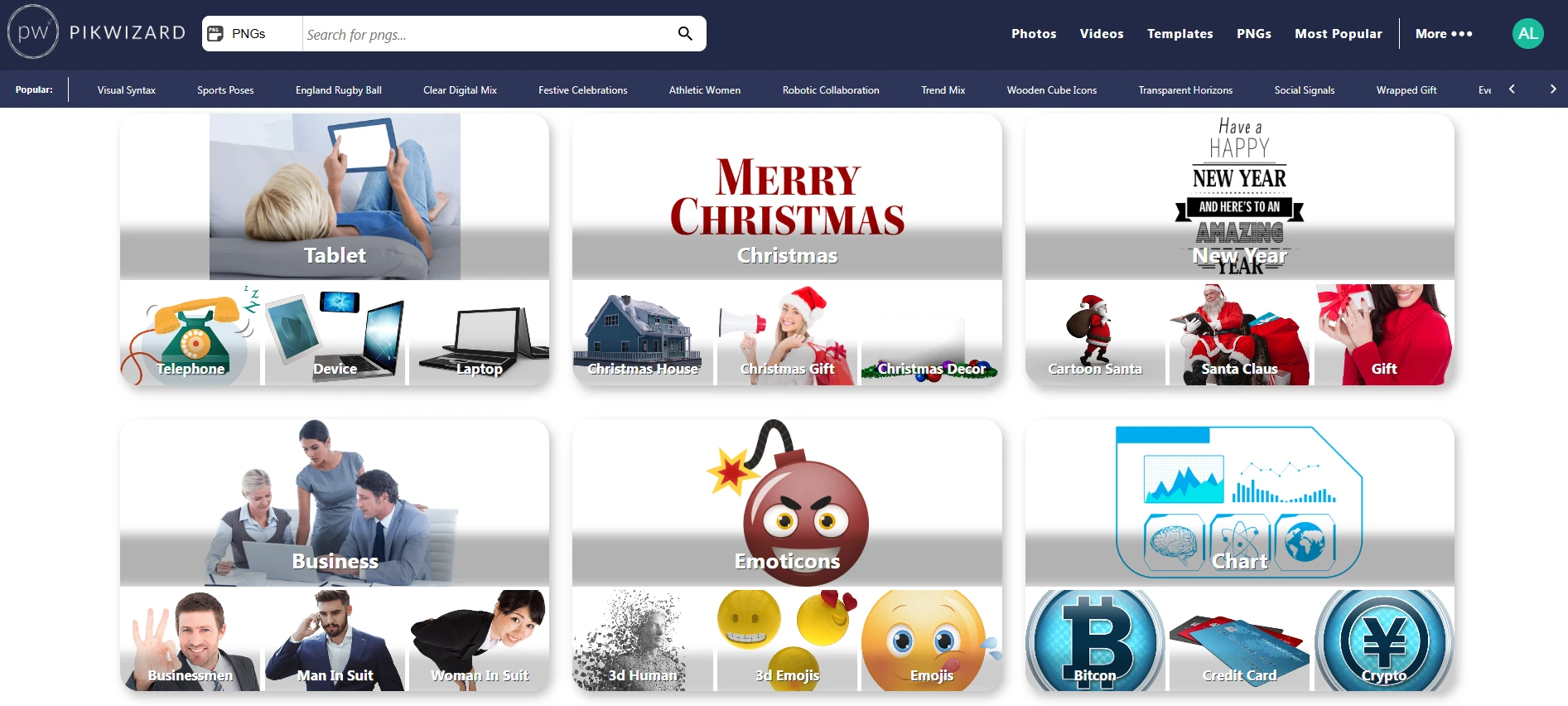
If you’re looking for variety and ease, Pikwizard is a solid starting point. You’ll find everything from transparent PNGs and stock photos to videos — all under one roof. Their collection feels modern, and the built-in editor is a great touch if you need to tweak something on the fly.
✅ Free for commercial use
✅ No attribution required
✅ Quick and easy downloads
Great for: Instagram graphics, Stories, branded videos, and anything that needs a clean look without the extra design work.
2. CleanPNG — Quick and Simple
CleanPNG doesn’t try to wow you with bells and whistles — and that’s the beauty of it. It’s fast, straightforward, and packed with transparent PNGs sorted by category. You’ll find icons, mockups, stickers, and visual elements you can plug straight into your designs.
Great for: Ads, Instagram highlights, and layering fun accents over your content.
3. StickPNG — Fun & Casual Graphics
Looking to add some personality? StickPNG has a quirky collection that leans playful. Think emojis, pop culture cutouts, and meme-friendly graphics. It’s less about polished branding and more about catching someone’s eye mid-scroll.
Great for: Reels, TikToks, memes, or any casual, relatable content.
4. PNGTree — Professional-Looking Assets
PNGTree has a larger, more curated collection of transparent PNGs — from elegant shapes and UI elements to mockups and illustrations. The free account gives you a limited number of downloads per day, which still works if you’re planning content in batches.
Great for: Ad creatives, campaign visuals, and building a consistent brand aesthetic.
5. Freepik — Massive Variety, Small Catch
Freepik is like a creative playground. Besides PNGs, you’ll find templates, icons, illustrations, and more. Just note: if you’re using the free version, you’ll need to give credit. Still, if you don’t mind a small attribution line, the value is pretty unbeatable.
Great for: Story templates, graphics kits, or long-term branding projects.
Side-by-Side Comparison
|
Platform |
PNG Style |
Commercial Use |
Attribution Needed |
Best For |
| Pikwizard | Clean, versatile | ✅ Yes | ❌ No | Stories, ads, graphics, video edits |
| CleanPNG | Icons, themed graphics | ✅ Yes | ❌ No | Fast edits, overlays, visual add-ons |
| StickPNG | Playful & pop-culture | ✅ Yes | ❌ No | Fun Reels, memes, casual posts |
| PNGTree | Polished, pro assets | ⚠️ Limited | ❌ No | Campaigns, branded visuals |
| Freepik | Huge variety | ✅ Yes | ✅ Yes (free tier) | Large projects, templates, planning |
Quick Tips for Using PNGs in Social Content
- Keep it on-brand: Choose 3–5 PNG styles or icons you reuse to keep your content feeling cohesive.
- Plan ahead: Save folders by theme (sales, seasonal, quotes, etc.) so you’re not scrambling midweek.
- Think mobile: Make sure PNGs are readable and visible on small screens — especially for Stories and Reels.
Final Thoughts
Creating high-quality visuals for social media doesn’t have to mean hiring a designer or learning Photoshop. With the right PNGs and a little planning, you can build content that looks pro, connects with your audience, and saves you a whole lot of time.

Sites like Pikwizard give you access to polished visuals without the price tag — so you can spend less time designing and more time growing your brand.

