

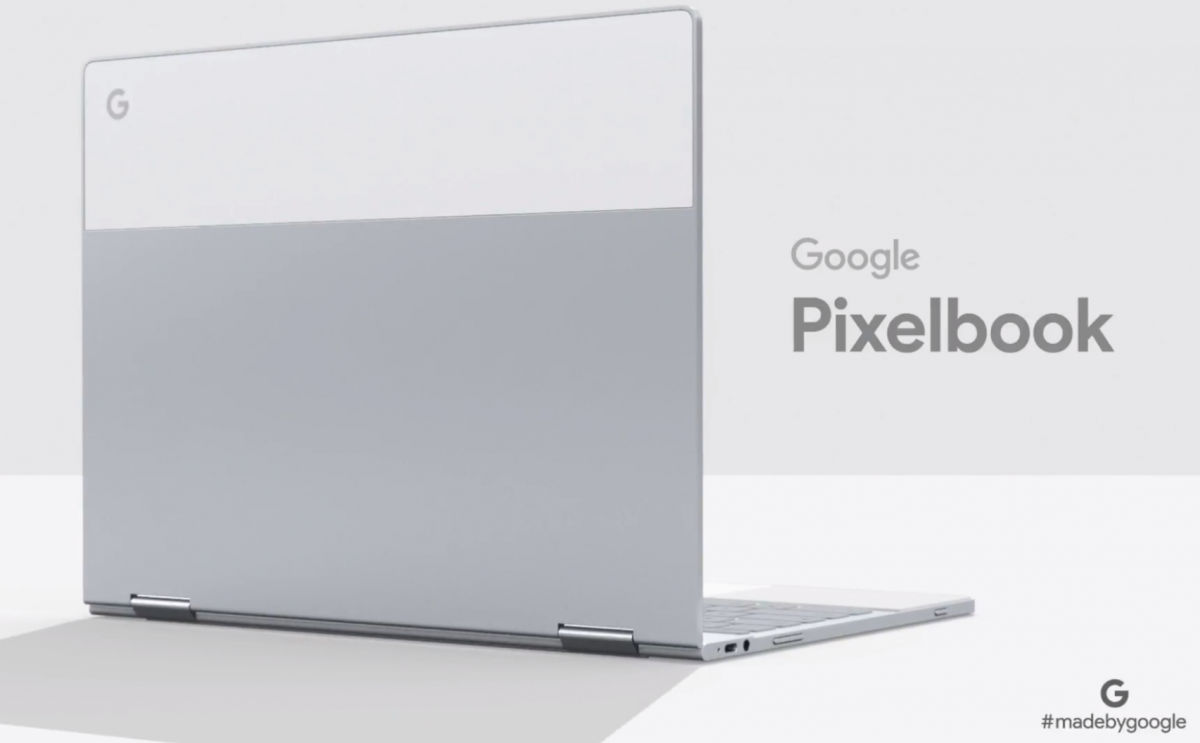
Chrome 61 OS comes with a number of noticeable changes like App launcher and Lock screen ahead of thePixelbook, Chromebook launch.


Google’s Cloud Operating system adds a new set of the lock screen, App launcher and better window management for tablets. The Chrome 61 also has changed in its settings.The first thing to notice in Chrome 61 is the sign in and the Lock screen feature. The sign in now features a blurred background wallpaper with a user’s profile at center and the Name and password tabs are underneath it.

After Signing in you will notice away new launcher with a larger Google search widget at the center. The launcher looks like Pixel launcher and it basically holds 5 apps on single tap. Later users can search for entire apps by expanding it.

In terms of the Settings menu, the new update comes with some default icons and new profile avatar.The settings also have a “Power” menu which is the customization of the device power management when the device is idle. Chrome OS 61 also will have Google Assistant instead of “Ok Google” Hot word for Chromebooks.

Here is the list of devices which is pretty ready to get Chrome 61 OS update.
- Acer Chromebase 24
- Acer Chromebook 11
- Acer Chromebook 14
- Acer Chromebook 15
- Acer Chromebook R13
- AOpen Chromebox Mini
- ASUS Chromebook C202SA
- ASUS Chromebook Flip
- Chromebook 11
- Chromebook 14 for work
- Chromebook Pixel
- Dell Chromebook 13
- Dell Chromebook 13
- HP Chromebook 11 G5
- HP Chromebook x360
- Lenovo Flex 11
- Lenovo N23 Chromebook
- Lenovo Thinkpad 11e
- Samsung Chromebook Plus
- Samsung Chromebook Pro
- Toshiba Chromebook 2
Stay updated with latest happenings of tech world on the go with Technobugg App, on Android and Windows.

Source: 9to5Google

