

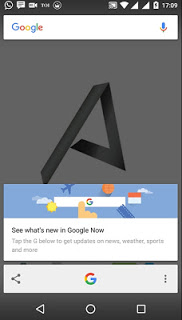
Whether you accidentally turned off Google
Now on Tap feature and want to enable it, here’s How to enable or disable
Google Now on Tap.
Now on Tap feature and want to enable it, here’s How to enable or disable
Google Now on Tap.
·
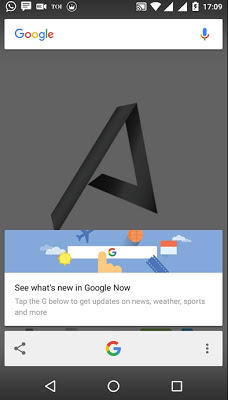
Open Google
Now by tapping on Google icon or if your using Google Launcher, then simply swipe
to right.
Open Google
Now by tapping on Google icon or if your using Google Launcher, then simply swipe
to right.
·
Swipe once
more to the right side and tap on Settings,
and choose Now Cards.
Swipe once
more to the right side and tap on Settings,
and choose Now Cards.
·
Now toggle
it.
Now toggle
it.

Cheers!!!


