


In my previous
tutorial ‘How to Pin and Unpin an App to
the Start Menu in Windows 10’. Today I’ll show you How to resize apps on
Start Menu in Windows 10.
tutorial ‘How to Pin and Unpin an App to
the Start Menu in Windows 10’. Today I’ll show you How to resize apps on
Start Menu in Windows 10.
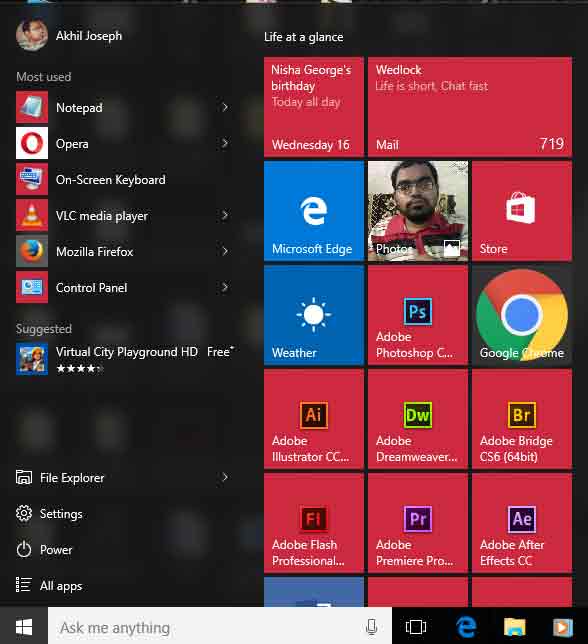
To resize an app on Start Menu in Windows 10
·
Click Start.
Click Start.
·
Right-click
the app.
Right-click
the app.
·
Click Resize.
Click Resize.
·
Now choose
your desired size.
Now choose
your desired size.
Cheers!!!


