

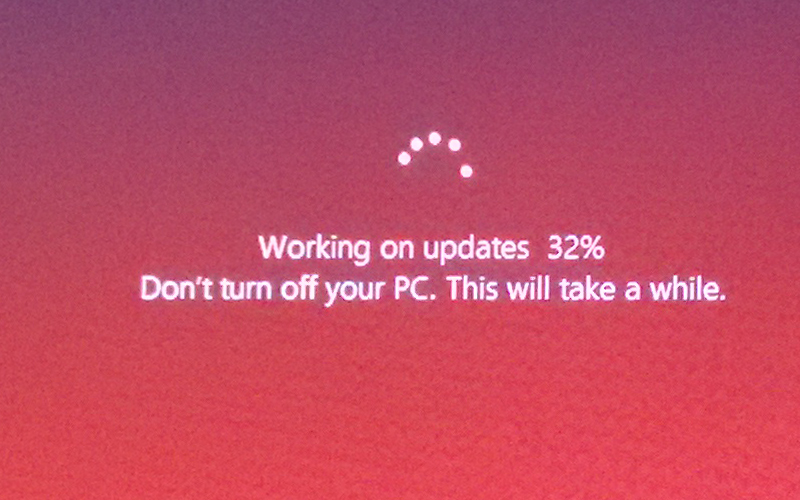
Sometimes when you are in hurry to leave, and your shut down your computer. But at that time windows will say ‘Windows is updating do not turn off your computer’. Then you have to wait few minutes for windows update and you’re late to go. So, forget this kind of situation after reading this article, we will show you how to your shut down your computer even update available.


Also Read: How to enable Dark Theme in everywhere on Windows 10
To shut down your system before installing the updates, press Windows key + D then press Alt + F4 to popup the shutdown dialogue box of windows. Now choose shut down option from the dropdown list to Shut down your computer without installing the updates.
A small trick but really comes handy in certain situations..
Also check out our article on How to activate Windows 10 License with your Microsoft account. And many other interesting news and tips & tricks on our website.
Stay updated with latest happenings of tech world on the go with Technobugg App, on Android and Windows.


