



The social networking giant Facebook has rolled out a nice feature to the users, which is called ‘Profile Video’. In this article we will guide you to create profile video on Facebook. Read on.

Also Read: Facebook Messenger cross One Billion Users
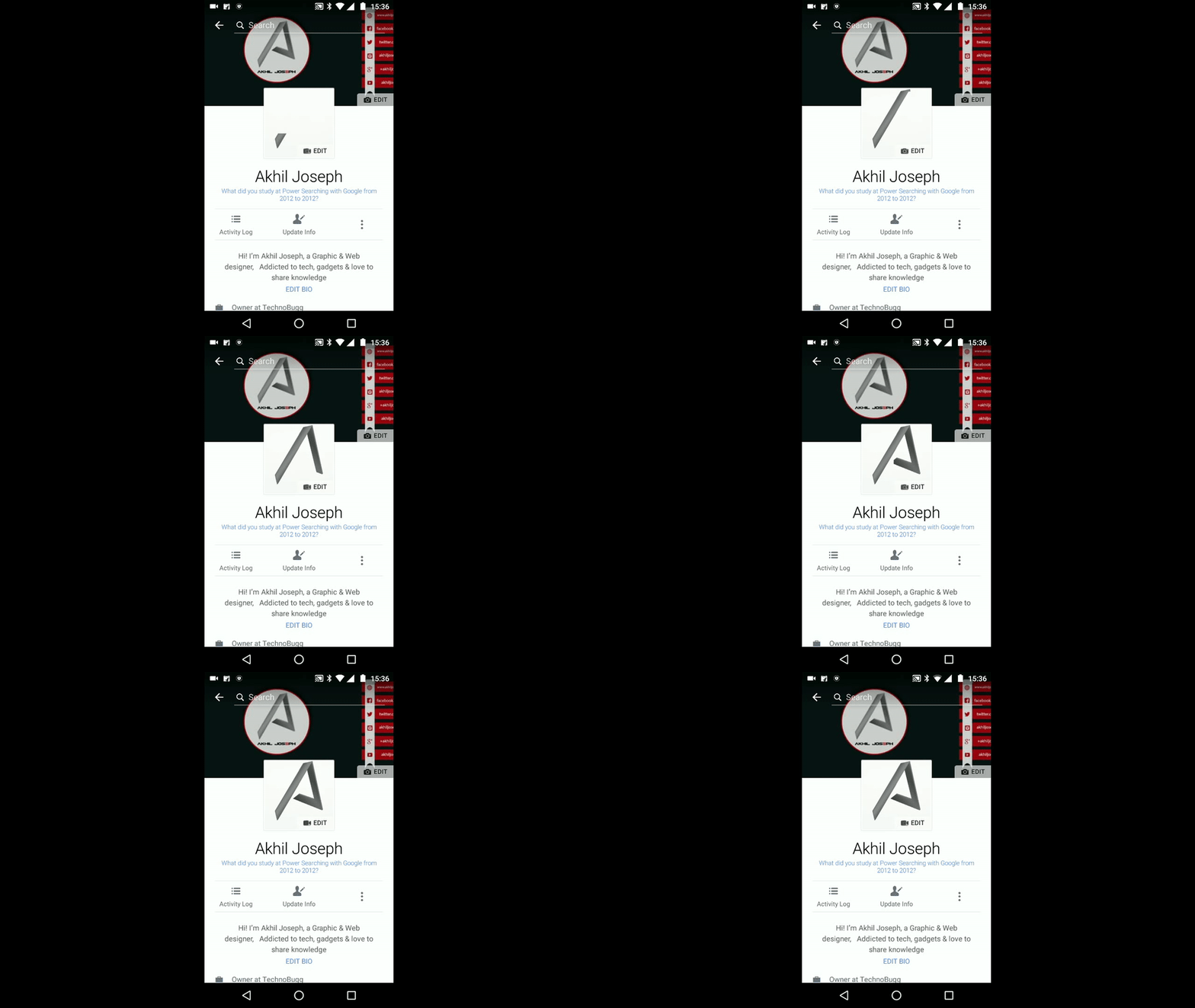
Facebook allows you to upload profile video of upto 7 seconds and you can only create profile video on iOS or Android app. The option of profile video is not available on the web version Facebook.
Here’s how to on both android and iOS
- Head to your profile and tap on profile picture or video.
- Tap on ‘Take a Profile Video’ to take new video or tap on ‘Upload Video or Photo’ to choose from phone.
- Now tap on Next and choose your thumbnail and tap Use.
Note: Profile Videos are public, you can’t change privacy of it.
So, what are you waiting guys??? Change your static photo and upload a cool video.
Also check out Facebook messenger officially SMS Support. And many more interesting news and also learn our tips and tricks to make your life easier.
Stay updated with latest happenings of tech world on the go with Technobugg App.


